The official Bukio WordPress plugin is here — add a booking form to your website in a few clicks. View it on WordPress.org →
Online table booking that follows your rules
Guests book in 30 seconds – while the system enforces what you configured: when, how many, for how long, in which area. Give it a go, this is a live demo →
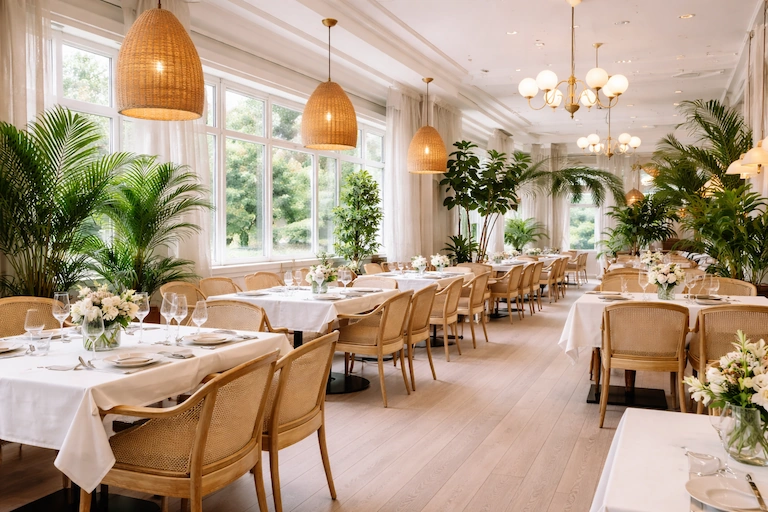
Demo Étterem · Budapest
Demo Étterem
Italian-inspired restaurant in the city centre with wood-fired pizzas and homemade pasta.
Maximum bookable party size: 12 guests
Powered by Bukio
Live demo – click around freely, no real booking is made.
What is it for?
The online booking form is your restaurant's phone line that never closes and is never busy: guests book a table any time – after closing, at dawn on Monday, sitting on the bus – and you receive the booking ready-made, by email and in the mobile app. No website needed: the form lives on a link you can share on your Google Business Profile, Facebook, Instagram or a QR code – and it can be embedded into your own site too. A booking isn't a request, it's instantly valid: the system only offers time slots that are genuinely free under your rules.
You write the rules
The form isn't an empty calendar – every booking is born within your limits:
Party size limits
You set the maximum party size accepted online – anything above that is a phone conversation anyway. The system finds a table sized for the given party.
Advance booking window
You decide how many days ahead guests can book, and the minimum lead time – no more “we'll be there in 10 minutes” surprises.
Booking durations
You define the allowed durations (1, 1.5, 2 hours…) – guests choose from these, and your table turnover stays plannable.
Opening hours, closed and special days
The form follows your opening hours: closed days can't be booked, and holiday hours or one-off days are set as overrides – your weekly schedule stays untouched.
What appears on the form?
The form doubles as your restaurant's profile page – you upload these and can update them any time:
Introduction in multiple languages
A short description of your restaurant in Hungarian, English, German and Spanish – guests read it in their own language.
Address and contact details
Address, phone, email, website – clickable, so guests can call or plan a route in one move.
Services
Terrace, dog-friendly, parking, card payment – whatever matters shows up as tags. Guests know what to expect before they book.
Social media links
Facebook, Instagram, TikTok – one click from the form to your profile. Guests who book will follow too.
Photos and areas
With photos of your spaces, guests see where they'll sit at booking time – and choose the area themselves.
Marketing and measurement
Connect your own Google Analytics, GTM, Meta or TikTok pixel to the form, and send guests to a custom thank-you page after booking – your campaigns stay measurable.
Areas and tables – the logic behind the booking
The form's power is in what works behind it:
Areas your guests choose
Terrace, indoor, private room, garden – with photos, their own opening hours, even switched on and off by season. Guests pick where they want to sit when they book.
How areas workTables and automatic allocation
Add your tables by size, assigned to areas – and the system automatically matches every booking to the right table: the right size, in the area the guest chose. No manual puzzle, no double-booked tables.
See all featuresYour guest would book tonight. Let them.
Create your account, set your rules, fill in your restaurant's details – and your form takes its first booking within minutes.